


Construction ERP Software, Tender to Final Account
Construction ERP for main contractors and specialist subcontractors: estimating, procurement, site delivery, plant and project accounting in one system, so the margin you priced at tender is the one you finish with.
Money back if we don’t deliver as agreed.How it works: Delivery Guarantee terms


Built for How Construction Runs
Every stage of a project, from the first estimate to the final retention release, running on one system instead of six disconnected ones.
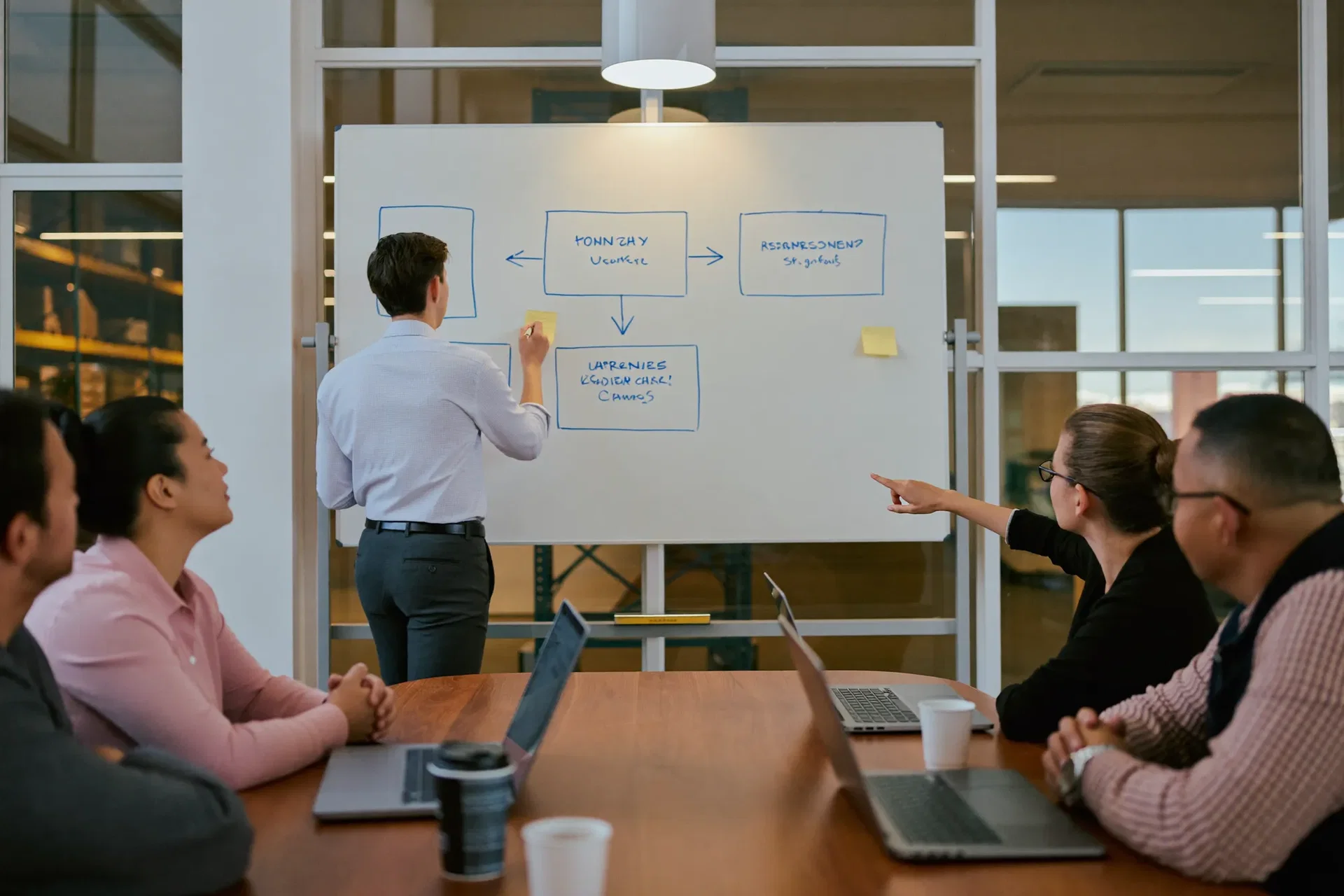
Estimating & Tendering
Contract 214, a school extension, starts as a priced estimate. When it wins, that estimate becomes the budget every order reports back against.

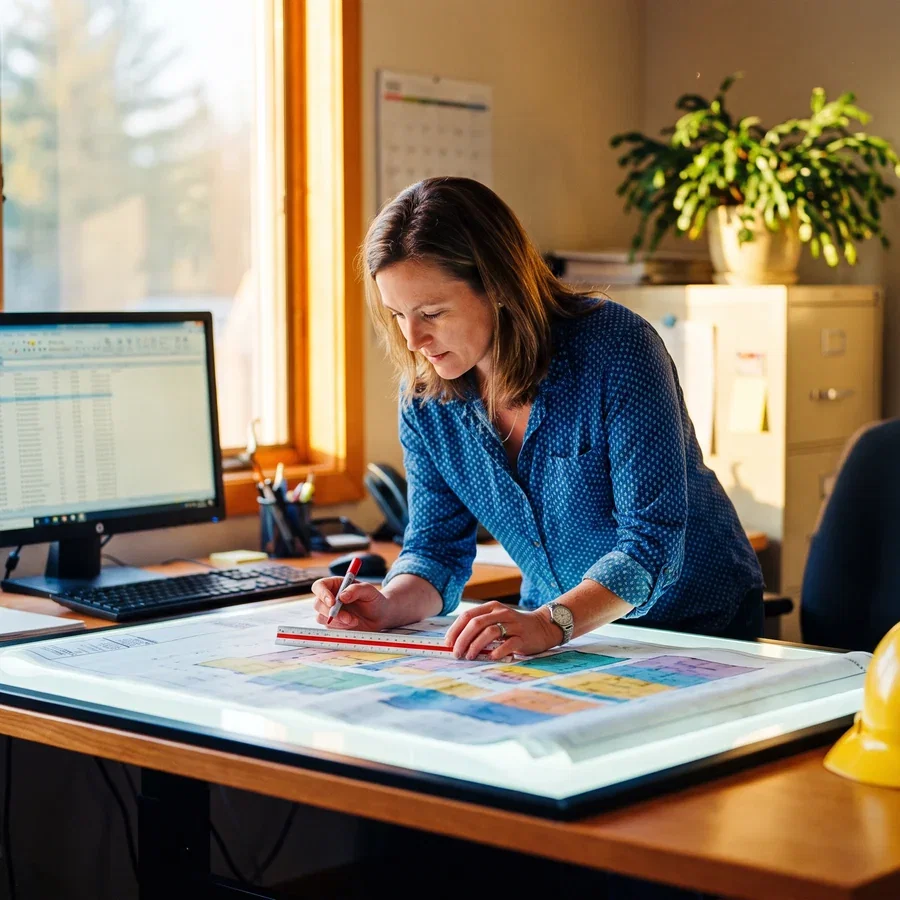
Procurement & Materials
Steel is ordered against 214, not against the company. The commitment shows the moment the order is raised, not in week nine when the package is already over.

Site Execution & Progress
Week six, the client wants the corridor moved. The variation is priced, approved and attached to 214 the same day, so the trail exists when it is disputed.
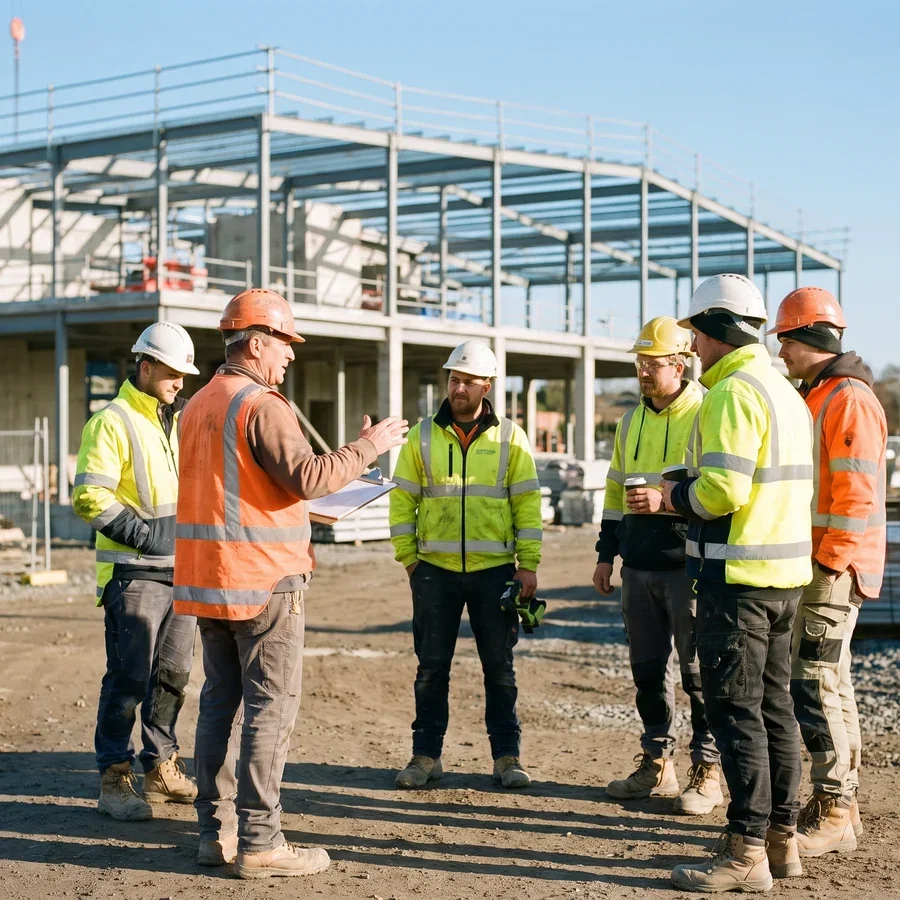
Workforce & Subcontractors
Subcontract packages, day rates and retentions sit on the contract. Retention releases on its own dates, and site labour lands on 214 the same week.
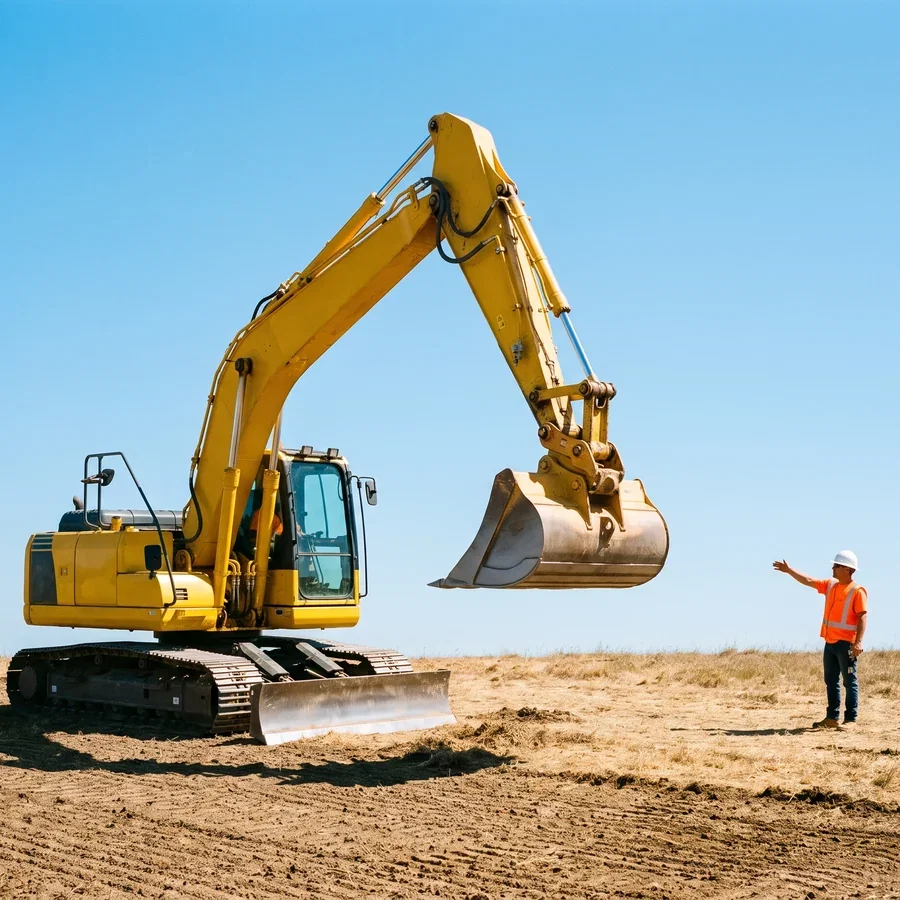
Plant & Equipment
The excavator moves from another job to 214 and takes its cost with it. Idle plant is visible while it is still idle.

Billing & Project Close Out
Applications go out from the measured work, retentions carry to the final account, and the variation from week six is in there. Close out profit is the one you expected.

What Is Construction ERP?
Construction ERP is one system carrying a job from tender to final account: the estimate, the budget it becomes, purchase orders and materials, subcontractor packages and retentions, plant, progress claims and variations. ERP in construction earns its place on one test: can you see today whether this contract is still making money.
Most contractors run on a patchwork: an estimate in a spreadsheet, a programme in scheduling software, purchase orders in an inbox, and a cost report finance rebuilds by hand every month. We replace it with one system covering programme and labour, materials and subcontract orders, site works and snagging, plant, and accounting with analytic job costing for progress applications, retention and final accounts. We build most often on Odoo, where we are an official Odoo implementation partner, and on Sage, Oracle NetSuite or Microsoft Dynamics when those suit your contracts better.
Margin in construction is thin and lost quietly. An hour of rework, a day of idle plant, a variation that never made it onto an invoice: none look serious alone, and together they separate a profitable project from a break even one.
What Construction ERP Has to Solve
At Index World we build ERP for the construction industry: implementations that connect estimating, procurement, site delivery and finance, automate the manual steps in between, and give leadership real time visibility across every project.
Programmes that slip quietly
Delays never announce themselves. One live view of each contract surfaces the late approval while it is still a phone call.
Budgets that reconcile too late
Committed cost, actual cost and remaining budget sit apart until a monthly report drags them together, so cost to complete is historical.
Site and head office working apart
Site knows what happened, the office knows what was planned, and the gap only surfaces at valuation.
Procurement that leaks cash
Orders go out against a number nobody is checking, and deliveries land without the contract that pays for them attached.
Variations built but never billed
The corridor moves on Tuesday and the paperwork follows a month later, if at all, so work gets built with no number attached.
Reporting that arrives too late
Directors wait for a month-end pack to answer questions that should take seconds, and it is assembled by hand every time.
Construction ERP, Function by Function




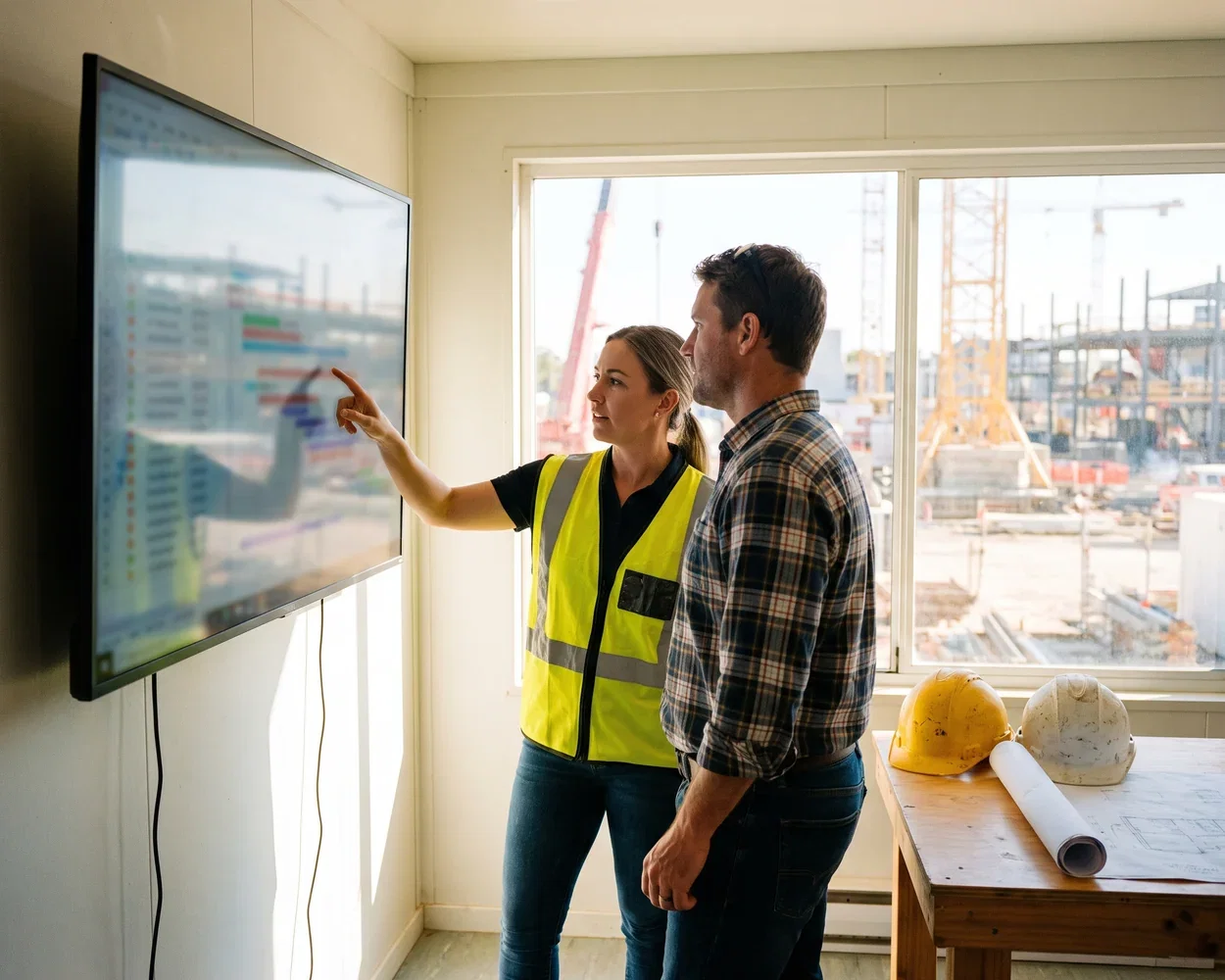
Where Scheduling and Budget Meet
Programme and budget usually live apart: the schedule in one tool, the money in another, reconciled monthly with a spreadsheet. ERP construction project scheduling software helps budget control by refusing that separation.
The estimate becomes the budget, and the budget becomes purchase orders, subcontract packages and labour bookings that report back against it. Committed cost shows the moment an order is raised, so cost-to-complete is live. When a delay moves a task the cost moves with it, and the report leadership reads is the same data the site works from.
Cloud Construction ERP, Honestly Assessed
Cloud suits general contractors for the obvious reason: your business is not in the office. Sites, vans and the yard all need the same numbers, and nobody wants a server in a portacabin.
The honest limitations are worth naming. No signal on site means offline capture and sync later. Heavy drawing files belong in a document platform, not an ERP database. Bespoke measurement rules sometimes need development. Our consultants tell you where the fit is genuinely poor. Buyers ask which is the best construction ERP software; the useful question is which ERP for construction industry work fits how you measure, buy and bill.


From BOQ to Final Certificate
The bill of quantities is where the money is decided, so it is where the system starts. Priced BOQ lines become the budget, the procurement plan and the measure you bill against.
From there the chain holds: milestone or running account billing from measured work, change orders approved before they reach site, retention released on its own dates, and defects tracked to a final certificate. General contractors and EPC teams run the same shape.
Built for the Way You Contract
Same backbone, configured to how you win work and get paid. Here is what changes first in each case.
General Contractors
Many subcontract packages, one margin. Package-level commitment and retention tracking come first, so the contract stops depending on one person’s spreadsheet.
Civil and Infrastructure
Measured work, long programmes, heavy plant. BOQ-driven valuations and plant cost moving between contracts are the first things we make live.
EPC and Design-Build
Engineering hours and site cost on one contract record, so design overrun is visible against the same budget as the build.
Fit-Out and Specialist Trades
Fast jobs, thin margins, constant variations. Instruction to invoice is the chain we tighten first, because that is where your money leaks.
Residential Developers
Plots, phases and sales rather than valuations. Cost per plot and phase cash flow lead, with the sales side on the same record.
Contractors Outgrowing Spreadsheets
Under twenty office staff and already losing track. We start with budget control and billing, then add the rest as it earns its place.
Connect the Tools Site and Office Use
Nobody replaces a working estimating sheet or a drawing platform on day one. We connect what earns its place and replace
Estimating and Takeoff
BidsYour priced estimate imports as the contract budget, whether it lives in Excel, Bluebeam or a takeoff tool.
The number you bid becomes the budget the job is run against.
Procore and Project Platforms
Site recordsKeep Procore or Autodesk Construction Cloud for drawings, RFIs and site records, while contracts, variations and cost flow between them instead of being typed twice.
Drawings stay where site likes them; the money stays where it reconciles.
Accounting, or QuickBooks Today
FinanceRun the ledger here or keep QuickBooks connected while you transition. Applications, retentions and subcontractor payments reconcile without a month-end re-key either way.
Applications, retentions and subcontractor ledgers come off job data.
Time, Payroll and CIS
CrewsSite hours captured on a phone reach payroll and the contract they were worked on, with subcontractor deductions and verification following the same route.
Site hours hit payroll and the job cost the same day.
Plant, Hire and Suppliers
BuyingHire desks, merchant accounts and supplier price files connect to purchasing, so every cost lands against the contract using it.
An excavator on hire and a pallet of blocks land on the same job cost.
Leaving a Legacy System
MigrationOn Sage, COINS or a spreadsheet estate? We tell you whether to fix what you have or move, and we start on the next job, never mid-contract.
Contract history arrives reconciled in batches, not dumped and hoped.
Do not see the tool you run? An open API means if it can talk, we can connect it.

How It Works, Your Path to Go-Live
The same path we follow with every construction client: understand the business first, configure deliberately, and stay involved after launch.
Discovery & process audit
We map how your business actually runs today, from tender to close out, and document where time, cash and margin are being lost.
Solution design
We agree which modules you need, which gaps are worth closing first, and set clear expectations for what changes and when.
Build & configure
The system is configured and customised where it needs to be, with your real project, cost and supplier history migrated across.
Train & go live
Your team is trained on the process end to end, screens included, and runs a live project through the new system before anything is switched over.
Optimize & grow
We stay involved after launch, watching how delivery performs and extending the system as you take on larger and more complex work.
Got questions? We’ve got answers.
Can an ERP give us real time visibility into project profitability?
Yes, and this is usually the single biggest change contractors notice. Odoo Analytic Accounting posts every timesheet hour, purchase order, supplier invoice and customer application to the project it belongs to. That means certified value, committed cost, actual cost and forecast cost to complete all sit on one view, updated as the work happens. Directors see margin by project and across the portfolio without anyone building a spreadsheet first, because a report that takes three days to assemble is a report about the past.
How long does a construction ERP implementation take, and will it disrupt live projects?
Most construction clients go live in 8 to 12 weeks, depending on how many projects are running, how much history has to migrate and how much of the process needs tailoring. The approach is designed to avoid a hard stop: we work in phases, keep your current way of working running while the new system is prepared, and only switch once your own team has run a live project through it and is comfortable.
We run multiple projects, sites and companies. Can one system handle that?
Yes. Odoo supports multiple companies, multiple stock locations and multiple currencies as standard, so each site holds its own materials and each entity keeps its own books while ownership sees one consolidated position. Approval limits by value and role, standard project templates and standard cost heads are defined once at business level, so a manager moving between sites finds the same rules. That consistency is also what makes projects genuinely comparable.
Will the system work with the estimating, CAD and accounting tools we already use?
Usually, yes. Banking feeds, payroll providers, estimating and takeoff software, scheduling tools, CAD and document systems and client portals can all be integrated so information flows once rather than being typed twice. We will also tell you honestly where an integration genuinely earns its place and where the cost of building and maintaining it outweighs the benefit.
How can ERP construction project scheduling software help with budget?
By refusing to keep the programme and the money apart. The estimate becomes the budget, and every purchase order, subcontract package and labour booking reports against it. Commitment shows the moment an order is raised rather than when the invoice arrives, so cost to complete is a live figure and a slipping task carries its cost with it.
What is the best cloud based construction ERP for general contractors, and what are the limitations?
The best fit is the one that survives your worst site conditions, so judge candidates on offline capture and sync, how they handle drawings, and whether your measurement rules need configuration or real development. Cloud suits contractors because the business is not in the office. The honest limitations are connectivity, heavy document handling, and bespoke measurement, and we will tell you plainly when the fit is poor.