

Print on Demand ERP From Order to Shipment
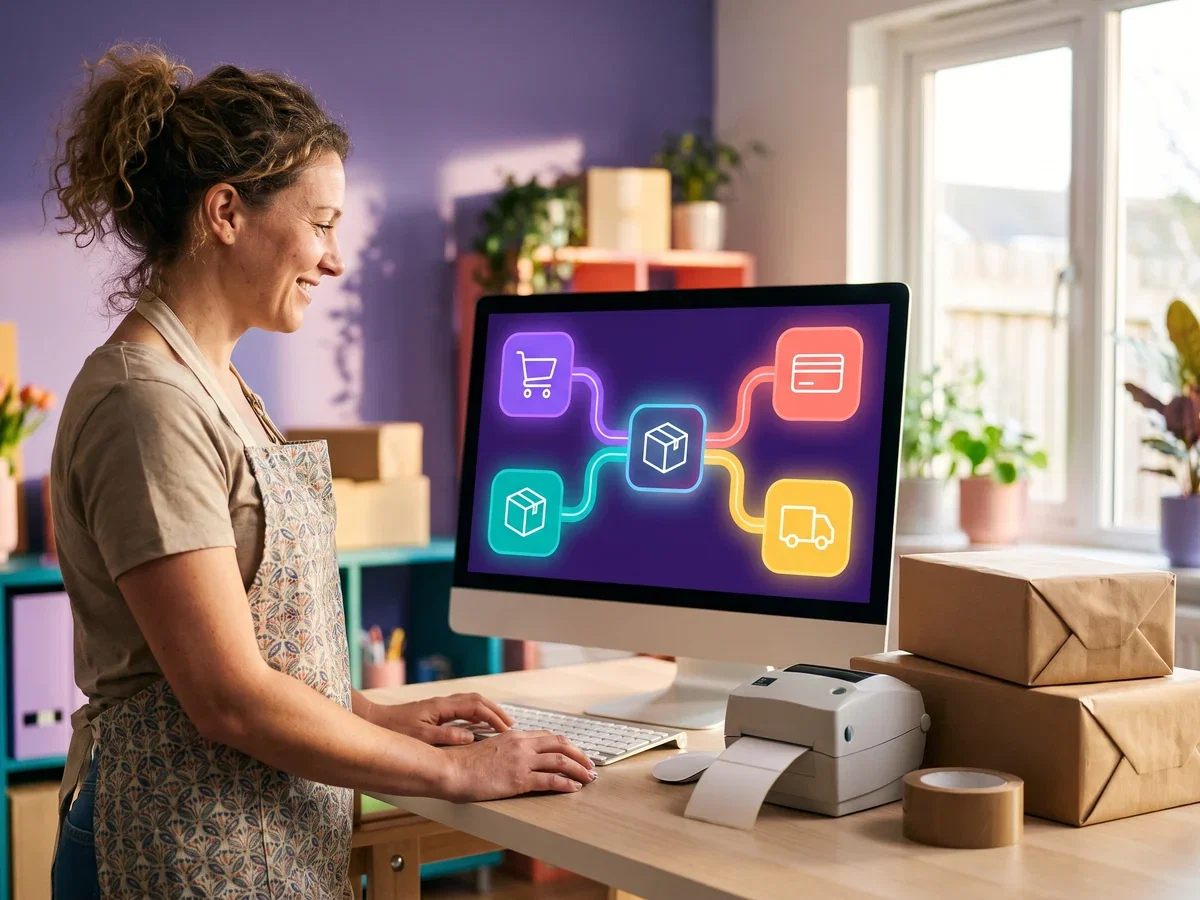
Index World implements print on demand ERP, connecting your stores, print queues, fulfillment centers and finance, so every customer order is printed, packed and shipped in one connected system.
Money back if we don’t deliver as agreed.How it works: Delivery Guarantee terms

Built for How POD Businesses Run
From capturing a customer order to delivering the finished product, see where Index World puts one connected system to work across your print operation.
What is print on demand ERP?
Print on demand ERP is one system that carries an order from the storefront through artwork, print queue, production and shipment, holding the SKU, the variant and the margin on the same record. It replaces the gap between a storefront plugin and an accounting file.
Index World builds end-to-end systems for print-on-demand businesses. Most of that work is on Odoo, and we also deliver Sage, NetSuite and Microsoft Dynamics. We are an Official Odoo Partner, an official Sage partner and an Elite QuickBooks ProAdvisor. If your order profile points to one of those, we say so rather than sell you ours.
Where the build lands on Odoo, POD businesses run on eCommerce, Sales, Inventory, Manufacturing, Purchase, Shipping and Accounting on one platform, so a customer order, its print job and its true cost live in the same system. Print on demand runs on thin margins, and one source of truth from storefront to shipping label is what keeps you fulfilling on time at a cost you can measure.
Industry Challenges We Solve
Multi-channel order chaos
Orders pouring in from Shopify, Etsy, WooCommerce, and Amazon with no single routing system leads to missed prints and delayed shipments.
SKU explosion
Hundreds of product variants in sizes, colors, materials make catalog management, pricing, and inventory tracking a manual nightmare.
Production bottlenecks
Without a real print queue tied to orders, rush jobs clash with standard runs and capacity is invisible until it is too late.
Shipping cost control
Manual carrier selection and no rate-shopping means you pay more than necessary to ship, squeezing already tight margins.
Returns management
Handling reprints, refunds, and replacements without a structured returns flow creates customer friction and untracked losses.
Disconnected systems
Separate storefronts, print software, shipping tools, and accounting means no single view of order status, cost, or profitability.
Features Built for Print on Demand

Artwork Approval and Preflight
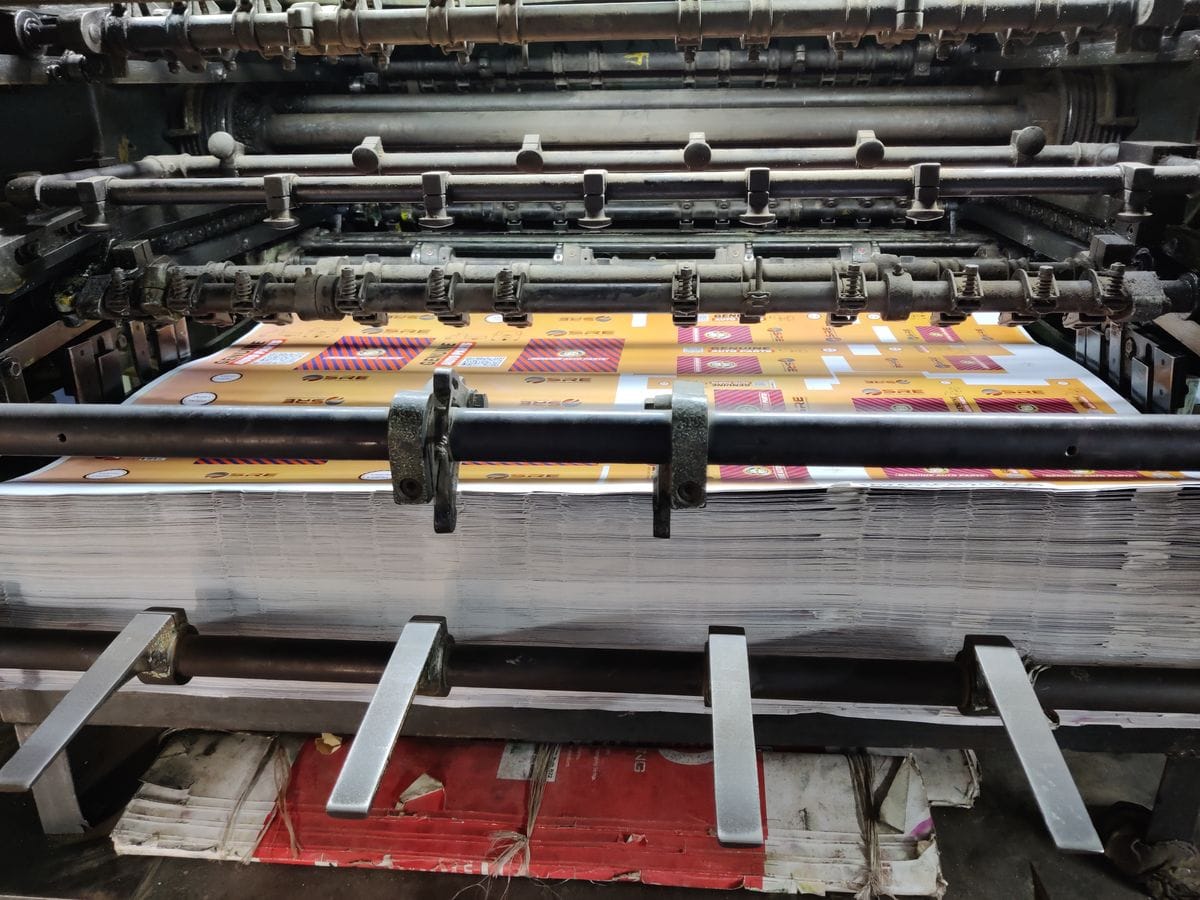
Order 8842 arrives as a PNG saved for a screen. In a connected system the artwork carries its own approval status on the order: received, checked, approved for print. Nothing enters the print queue until it passes preflight, where resolution at print size, color space, transparency and print area are checked against the blank. A file that fails at the RIP costs a press slot; caught at preflight it costs one email, and the rest of the batch prints without it.
Gang Runs, Blanks and the Queue
Once 8842 is approved it is one line among hundreds of open jobs, and the scheduler’s question is which of them share a blank, an ink set and a press. Work orders group into a gang by press and by blank, an operator claims the batch, and the gang is built around the tightest ship-by date in it, not whichever order arrived first. Blanks purchasing runs off the same queue: fleece committed to this week’s jobs is netted against what is on the shelf and on order, and a purchase raised for the gap.
Keep Your Storefronts and Presses
We connect the tools the print floor already depends on rather than replacing them. Integration work sits inside the same fixed monthly fee. For each tool, here is what stays and what changes on the day you switch.
Storefronts and marketplaces
Shopify, Etsy, WooCommerce, Amazon
What stays: your listings, themes, reviews and checkout. Buyers keep ordering exactly where they already do.
Storefront orders flow into one production queue as they are placed, and stock and tracking sync back the other way.
Artwork and design files
Adobe files, mockup generators, Google Drive, Dropbox
What stays: designers keep working in the Adobe tools they already know, and customers keep sending artwork by Google Drive or Dropbox link.
The finished file is versioned on the order record, so the press pulls the approved artwork, never a stray copy.
Presses and RIP software
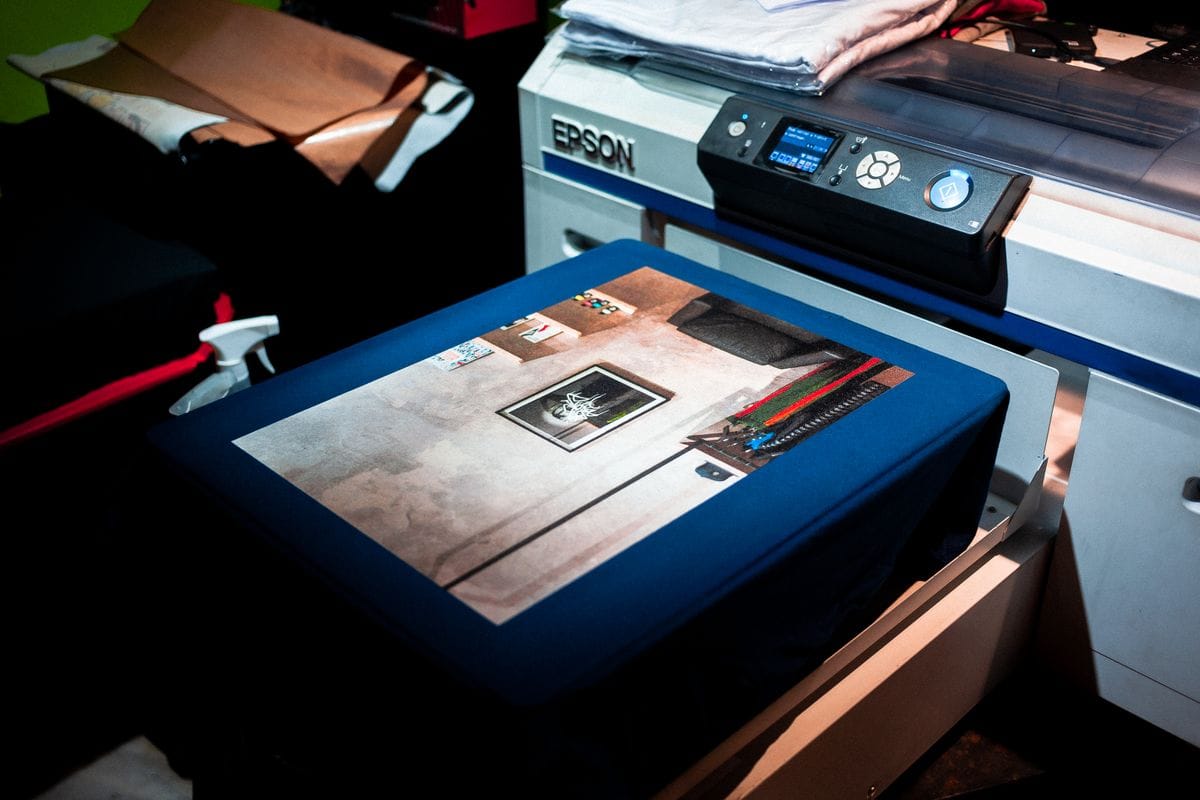
DTG, DTF, sublimation, RIP queues
What stays: your presses, your RIP software and the profiles your operators have already dialed in.
The print queue feeds each press in ready-to-run batches, and job status posts back as work is claimed and completed.
Shipping and labels
UPS, USPS, carrier label printers
What stays: your carrier accounts, your negotiated rates and the label printers on the pack bench.
Batch labels purchase against packed orders, and tracking writes back to each storefront on its own.
Accounting
QuickBooks, Xero
What stays: QuickBooks or Xero, for as long as your accountant wants to keep them at year-end.
Sales, marketplace fees and refunds post per channel, so the books reconcile against the payout, channel by channel.
Cost and margin per job
Blanks, ink, labour, reprints
What stays: the cost model you price from, built on the blanks, ink and labour you already buy.
Blank, ink and labour cost are recorded per job as it runs, and the margin report shows which designs actually pay.
Using something not listed here? If it has a way to connect, we can almost certainly join it to your system. Tell us what you run →
Five Tools Today. One Print Floor After.
This is the swap print on demand businesses actually make. Not another app beside the storefront, but one system carrying an order from checkout through artwork and press to the parcel.
What the print floor runs today
- Orders exported from each storefront and imported by hand
- Artwork chased through email, named differently every time
- A production queue that lives on a whiteboard
- Shipping labels bought one order at a time
- Cost per print estimated once and never measured again
What it becomes on one system
- Every storefront order in one queue, automatically
- The approved artwork attached to the order at the right size
- A live queue by press and due date
- Labels generated in batches straight from the orders
- Blank, ink and labour cost carried on every job
Nobody switches overnight, and you should not either. We move one workflow at a time, prove it, then move the next. See how a phased ERP migration runs.
Related: what an Odoo build costs, custom development, and print and packaging case studies.
How It Works, Your Path to Go-Live
From the first call to launch day and beyond, we follow a clear, proven path, so your team goes live without the chaos, and keeps improving after launch.
Discovery & process audit
We map your order channels, print workflows, fulfillment steps, and shipping setup end to end.
Solution design
We blueprint your system: routing rules, BOMs, print queues, carrier integrations, and reporting.
Build & configure
We implement, migrate your product catalog and order history, and connect your storefronts and carriers.
Train & go live
Your team is trained on real workflows, we cut over, and you go live with support on day one.
Optimize & grow
Post-launch we tune routing, shipping rules, and dashboards, and scale as you add channels or locations.
Got questions? We’ve got answers.
Can Odoo connect to Shopify, WooCommerce, and Etsy?
Yes. Odoo integrates with Shopify, WooCommerce, Amazon, and other channels via native connectors and third-party apps, pulling orders automatically and syncing inventory and tracking back.
How does Odoo handle print-on-demand fulfillment?
Confirmed sales orders automatically trigger print work orders. Once printed, pick-and-pack workflows guide your team to pack and ship, with carrier labels printed directly from Odoo and tracking sent to the customer automatically.
Can it manage multiple print locations or outsourced print partners?
Yes. Order routing rules can direct specific products or regions to different internal print centers or external print partners, with subcontracting flows tracking costs either way.
How long does implementation take?
Timelines depend on the number of channels, product variants, and carrier integrations in scope. We publish a tentative timeline in the first two weeks of engagement.