


Multi-Channel Ecommerce ERP for Shopify, Amazon and B2B
Connect Shopify, Amazon and your B2B channels to one system. Orders, stock, shipping and customer data stay in sync automatically, so nobody retypes an order and the books reconcile themselves.
Money back if we don’t deliver as agreed.How it works: Delivery Guarantee terms


The systems we connect to your ERP
Storefronts, marketplaces, payments, shipping and accounting, reading and writing one order record.
An order taken on any channel lands in stock, accounting and dispatch without anyone retyping it. We build on the ERP you already run, whether that is Odoo, NetSuite, Sage or Dynamics; where a tool has no native connector, we build one.
 Shopify
 Amazon
 WooCommerce
 BigCommerce
- Magento
 ShipStation
 Stripe
 PayPal
 Authorize.net
 QuickBooks
 Xero
Xero Sage
Sage NetSuite
 Dynamics
- Oracle
- EDI
- REST API
- Webhooks
- Custom Apps
Multi-Channel Ecommerce Services
From a marketplace order to a shipped, tracked parcel: here’s where we connect your operation.

The Shopify order lands
Every channel captured in real time, with no copy-paste between systems.

Stock moves before the second sale
One shared stock source means you never sell what you do not have.

The label prints from the order
Shipping labels generate from the order and sync straight back to Odoo.
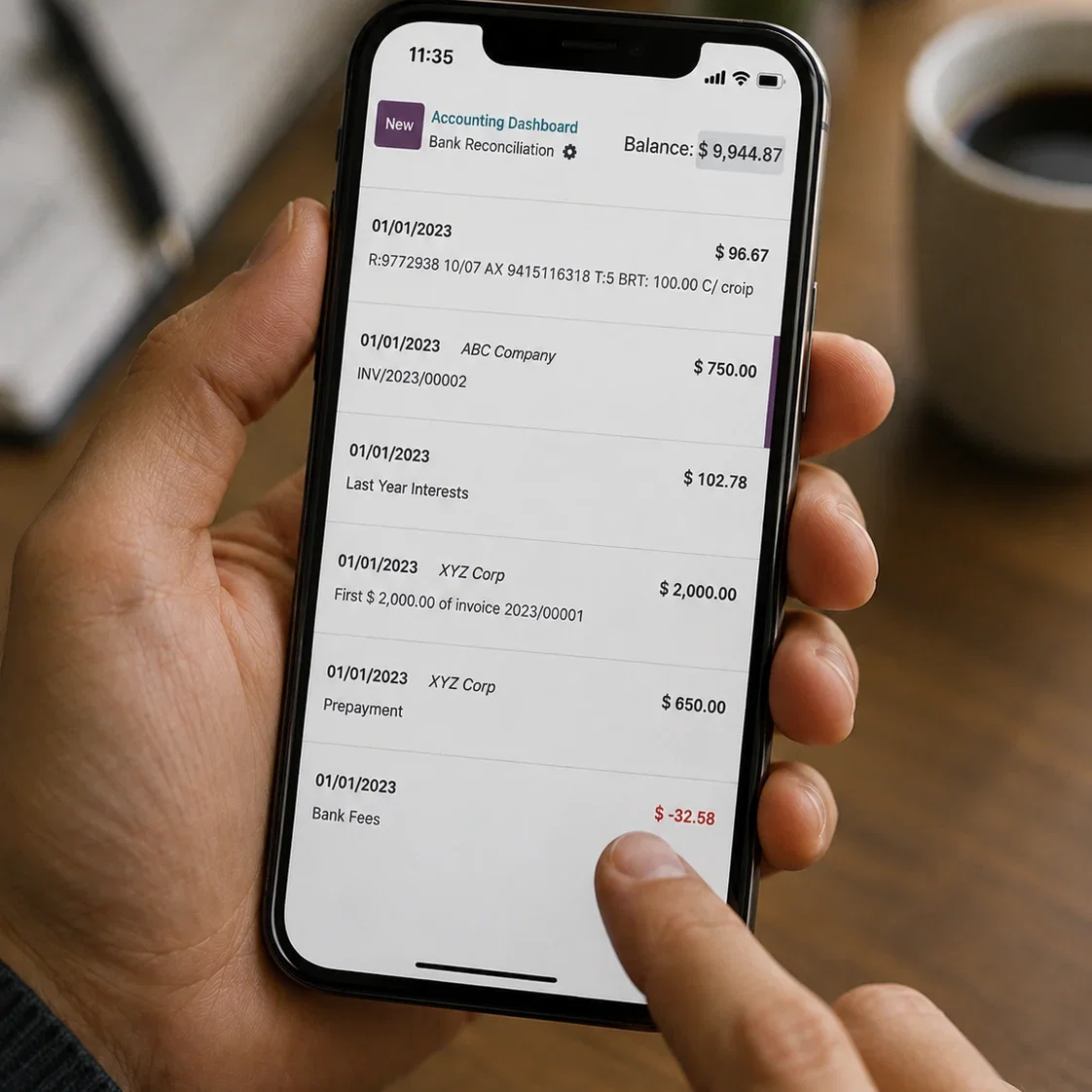
The marketplace fee posts to its own account
Amazon and Shopify settlements reconcile inside Odoo, matched line by line.
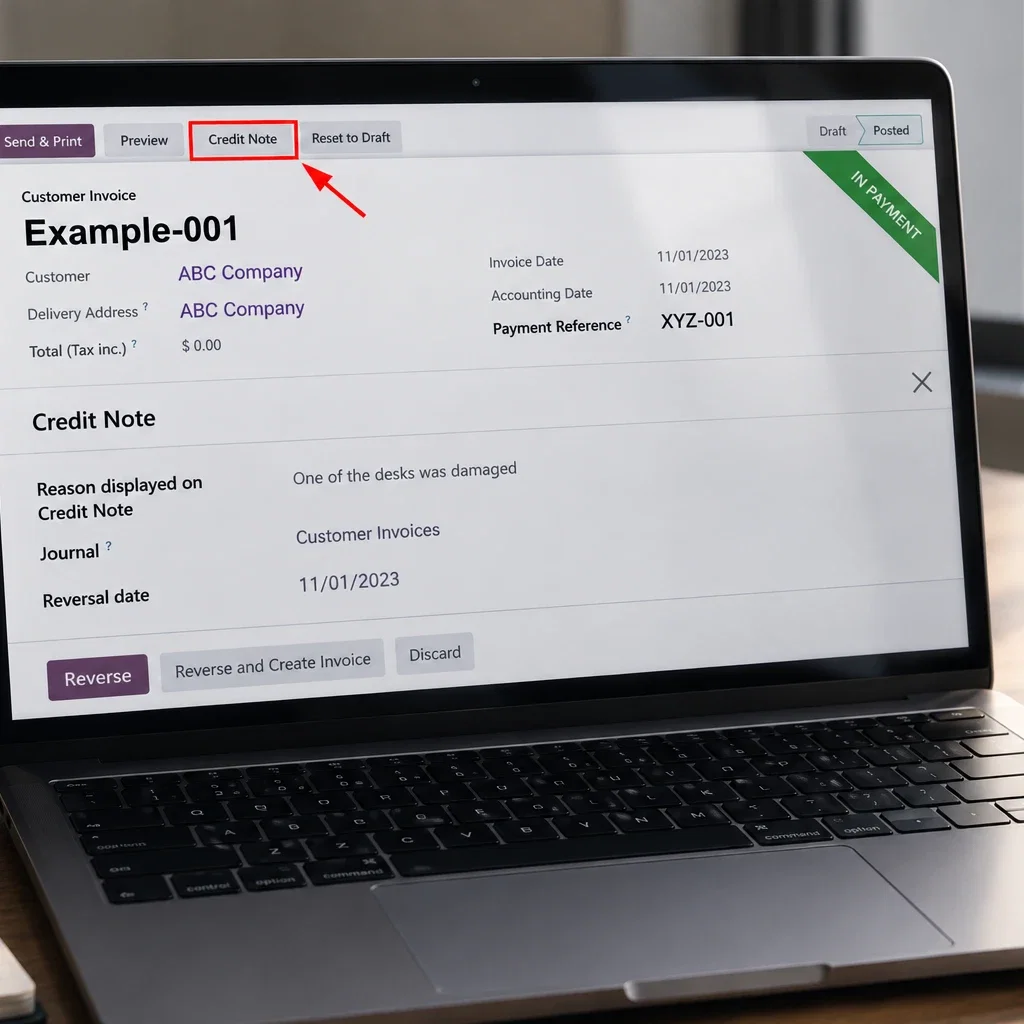
The refund finds the original order
Credit notes recorded cleanly against the original order, whichever channel it came from.

The dashboard already knows
Revenue and orders by marketplace and storefront, live, with no export.

What Is Ecommerce ERP Integration?
Ecommerce ERP integration connects your storefronts and marketplaces to one operating system, so orders, stock, customers and money move without retyping. An order placed on Shopify or Amazon books its own stock move, invoice and shipment, the delivery is raised for the warehouse, the tracking number travels back to the channel, and the fee the marketplace kept is already an expense line waiting for its payout.
That one shared record is what fixes the two jobs that eat the week. A marketplace payout covering weeks of orders splits itself back into those orders, each fee posted to its own account and matched against the bank line, so reconciliation becomes checking rather than archaeology. And because every channel reads one stock position, the last unit sells once: a spike on Amazon lowers what Shopify can promise inside the sync window, not overnight.
Armor Concepts sells the same lock on BigCommerce, Amazon and Shopify. One stock figure serves all three channels, the marketplace fees land in their own account, nobody retypes an order, and the setup has since been upgraded four versions without breaking the sync.
Business Challenges We Solve
One online order, followed from first click to closed books, and the problems it no longer causes.
Morning: The Order Lands Once
Amazon, Shopify and wholesale orders arrive in one queue. Nobody opens five back offices to find them.
Mid-Morning: Nothing Is Retyped
The order books itself: sales order, delivery, invoice, customer record. The hours lost to copy-paste go back into selling.
Noon: The Count Still Holds
Every sale already lowered the shared stock position. When the last unit sells on one channel, the others stop promising it.
Early Afternoon: A New Channel Joins
The next marketplace is a connector and a price list, not a new hire. You scale by adding channels, not headcount.
Late Afternoon: Picked, Packed, Gone
The delivery was raised the moment the order landed, so the picker never waited on an export. Tracking posts back on its own.
End of Day: Live Numbers, No Export
Dashboards show sales, stock and fulfilment as the day actually went, so tomorrow’s decisions use tonight’s numbers.
Ecommerce ERP Software by Function
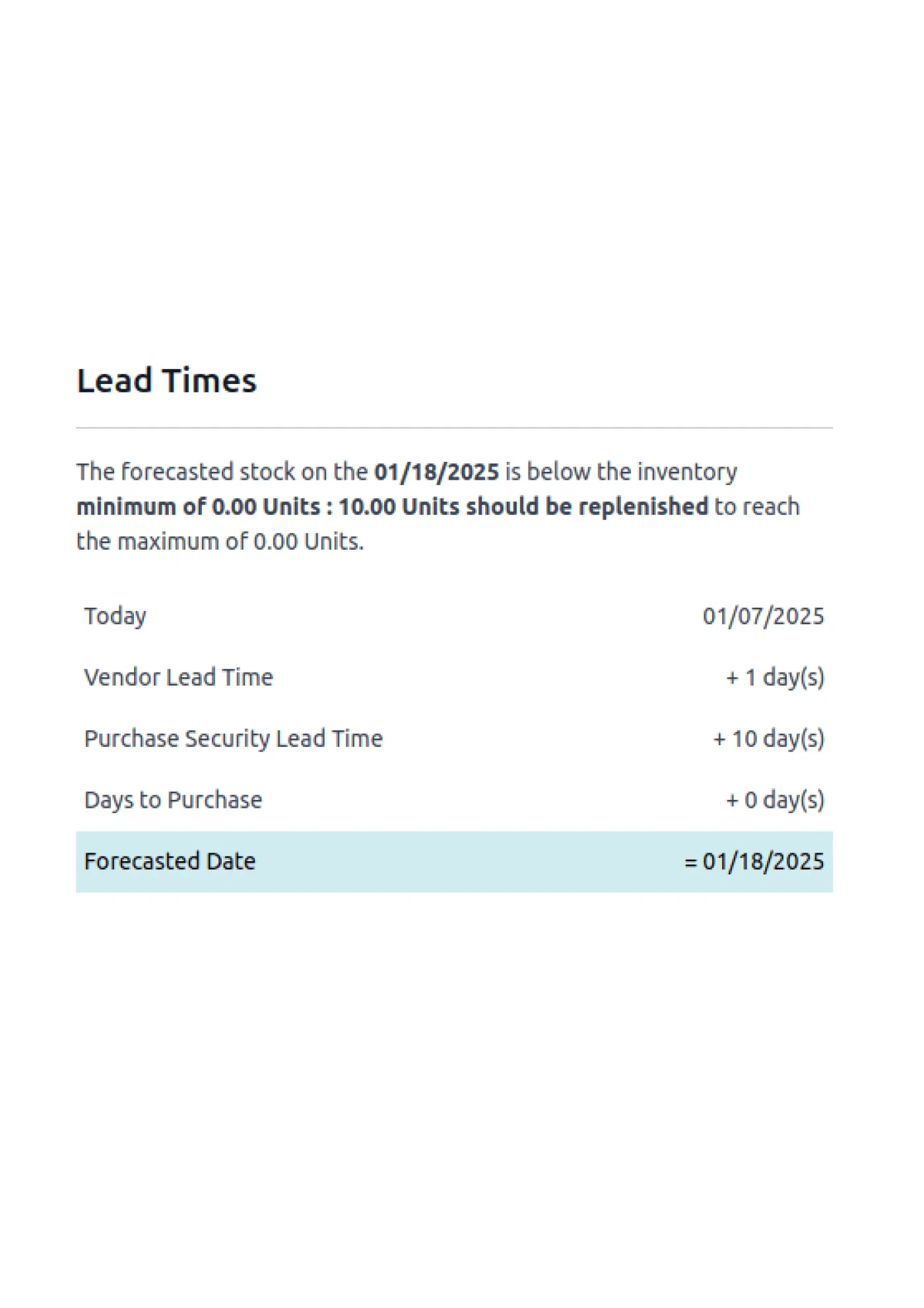
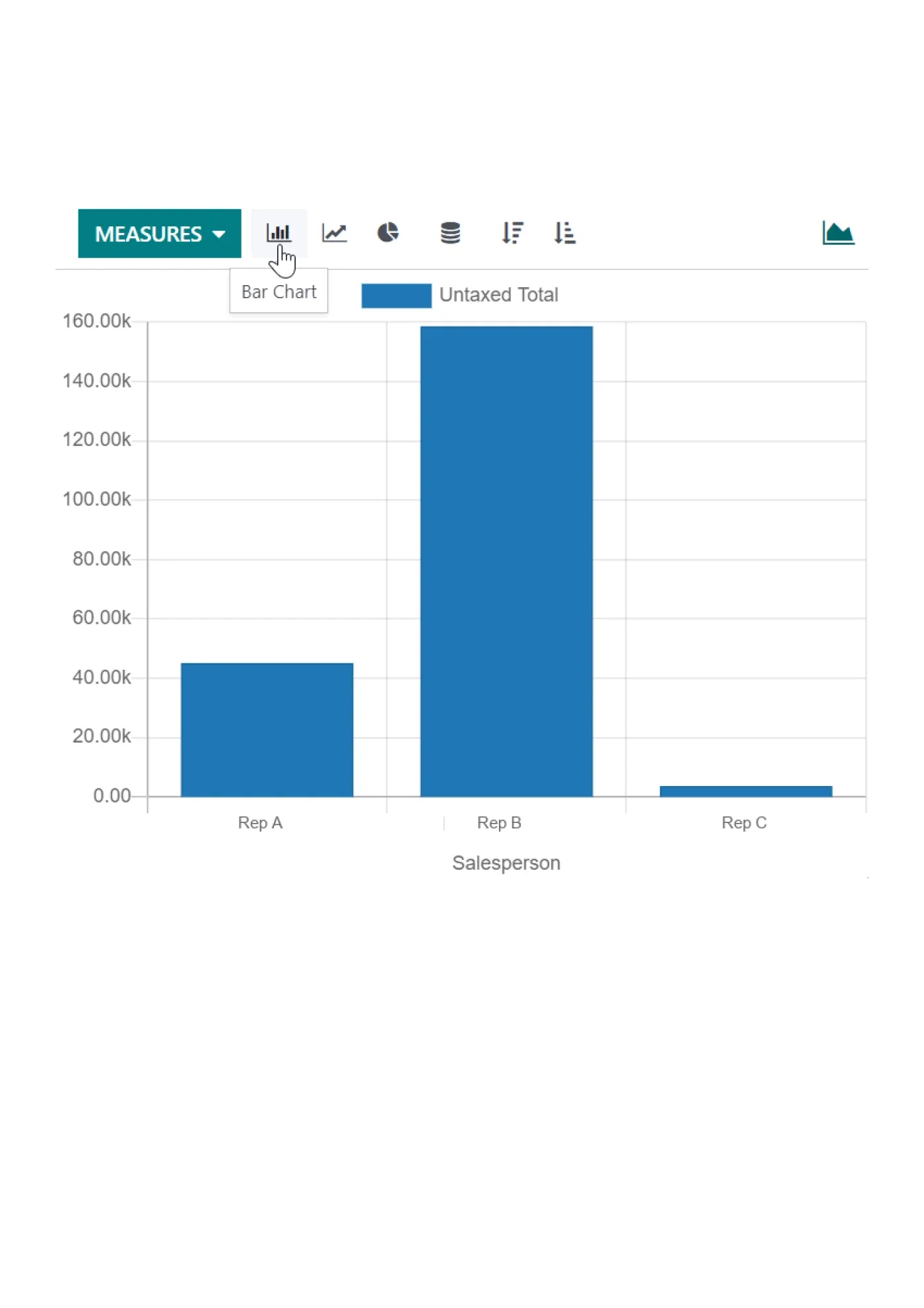
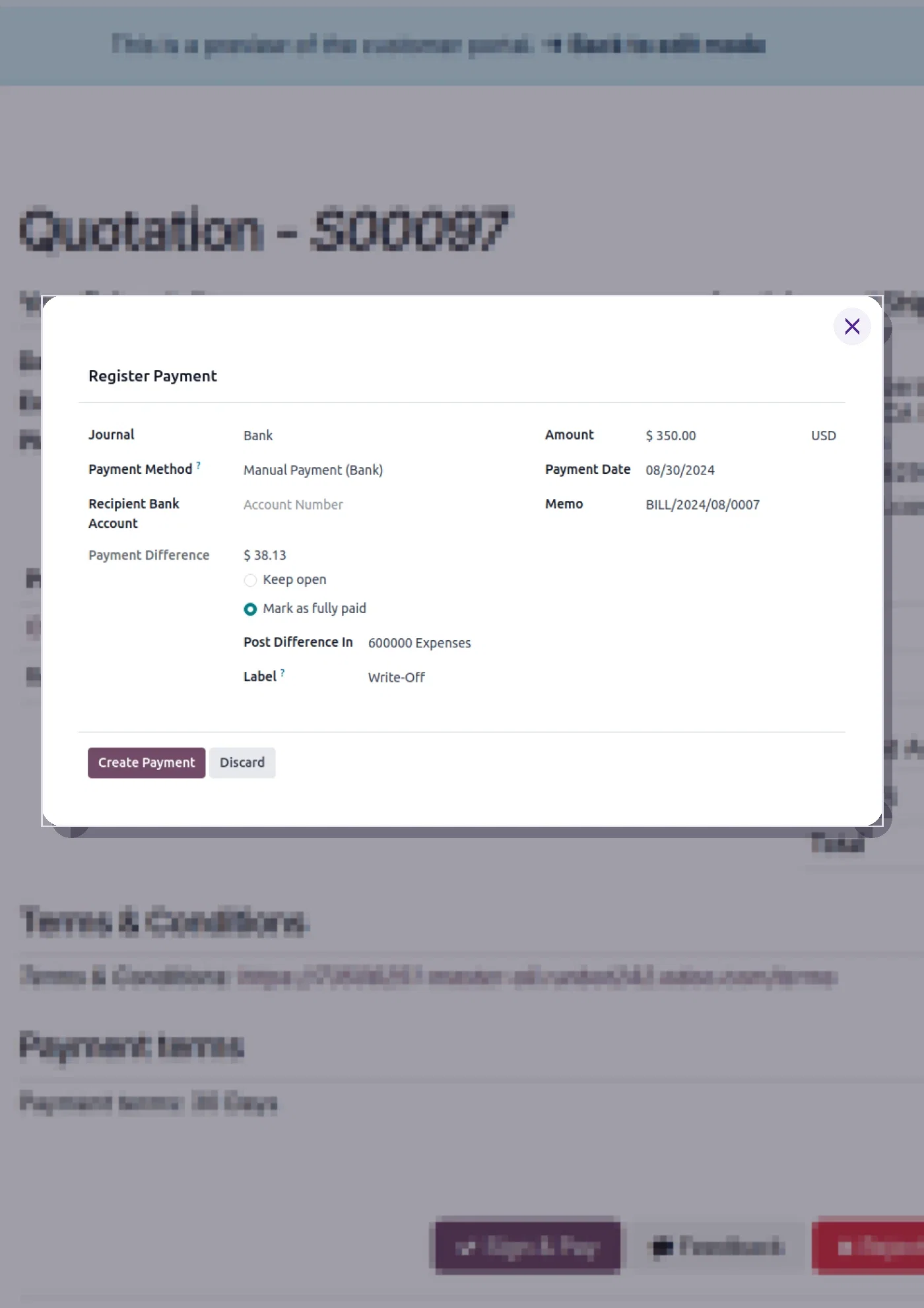

How We Work With You
A proven, phased path, designed around real multi-channel operations, so your team goes live without the chaos and keeps improving after launch.
Discovery
A deep-dive into your channels, catalogue, order flow, and fulfilment mix.
Data & Channel Mapping
Products, customers, price lists, and channel connectors mapped from your current setup.
Staging Build & Configuration
Integrations configured and tested end-to-end on a staging environment before go-live.
Training + eLearning Library
Every configuration recorded and loaded into your team’s self-serve reference library.
Go-Live with Support
Phased cutover across Sales, Inventory, Fulfilment, and Accounting, with our team standing by.
Post-Launch Optimization
New channels, integrations, upgrades, and dashboard iterations as you grow.
FROM THIS INDUSTRY
Armor Concepts sells on BigCommerce, Amazon and Shopify from one Odoo system.
Orders, stock and tax unified across channels, then upgraded four versions without breaking the sync.
Read the Armor Concepts story →Five Tools Today. One System After.
This is the swap multi-channel sellers actually make: not another app in the stack, but replacing the pile that grew one channel at a time.
What the operation runs today
- Stock counted in a spreadsheet that is wrong by Friday
- Orders retyped from the marketplace into accounting
- A shipping app that never tells the store what shipped
- QuickBooks that has never heard of the Amazon fees
- Price changes made five times, in five back offices
What it becomes on one system
- One stock position, updated by every channel in real time
- Orders that book their own invoice, stock move and shipment
- Tracking that flows back to the channel and the customer
- Marketplace fees reconciled into the books automatically
- One price list, pushed everywhere it applies
Nobody switches overnight, and you should not either. We move one channel at a time, prove it, then move the next. See how a phased ERP migration runs.
The Stack, Wired Into One Order Book
Multi-channel only works when every channel writes to the same record: storefronts, marketplaces, carriers, and the ledger. These are the connections we build most, each one live in a store today.
Storefronts
SalesShopify, BigCommerce, WooCommerce and Freely in real-time two-way sync: products, pricing and stock flow out, orders and customers flow back, and deliveries are raised the moment an order lands.
Every storefront sells from the same stock truth, and orders arrive ready to pick.
Amazon and Marketplaces
MarketplacesAmazon runs full order-to-cash in Odoo: orders, deliveries, invoices, payments, bank statements, credit notes, refunds, taxes and price lists, with salesperson and sales-team mapping, and every marketplace fee posted with its tax treatment attached.
Marketplace tax lands coded to the right state, not to a month-end mystery.
Payments and Gateways
BillingGateway payouts reconcile back to the orders inside them, with fees split out to their own account instead of buried in revenue.
Payouts reconcile to orders, fees and all, with nothing matched by hand.
ShipStation and Carriers
FulfilmentShipStation labels, carrier rates and tracking numbers come off the order and post straight back, and partial shipments post honestly so a split order never reads as an unshipped one.
Labels, tracking and partials post themselves back to the order.
Accounting
FinanceRun the books in the same system, or keep QuickBooks connected while you decide. Either way sales, refunds and payouts land once, in the right period.
One set of books that agrees with what actually shipped.
Ad Platforms and Attribution
AttributionAd clicks carry through to the CRM record, so revenue ties to the campaign. We built exactly this for a US door-hardware seller.
You see which ad made which order, in the same system that shipped it.
Got questions? We’ve got answers.
Which sales channels can you connect to Odoo?
Amazon, Shopify, WooCommerce, BigCommerce, and Freely for selling, plus ShipStation for fulfilment, and most other marketplaces and storefronts on request.
Will my inventory stay in sync across every channel?
Yes. Stock updates in real time across all connected channels, so you avoid overselling and keep every storefront accurate.
Can you automate Amazon invoicing, taxes, and refunds in Odoo?
Yes. Amazon runs end-to-end: orders, invoices, payments, bank statements, credit notes, refunds, taxes, and price lists, all booked in Odoo.
Do you handle shipping labels and tracking?
Yes. Our ShipStation integration brings shipping labels and tracking numbers into Odoo, so every order is traceable from dispatch to doorstep.
We sell on a platform that isn’t listed. Can you still help?
Very likely. We maintain in-house connectors for marketplaces, storefronts, payment gateways, and shipping managers, and our approach covers most e-commerce platforms. Tell us your stack and we’ll scope it.
How long does a multi-channel integration take?
It depends on channel count, catalogue size, and finance complexity. We publish a tentative timeline in the first two weeks of engagement.
Why integrate ecommerce and ERP?
Because the gap between them is where money leaks: oversells, retyped orders, fees nobody reconciled, stock nobody trusts. Integration makes the storefront and the back office read one record, so orders, inventory and accounting agree without anyone copying data. The usual result is fewer errors and a team freed from keystrokes.
How do you connect an ecommerce platform with NetSuite ERP?
Through NetSuite’s connectors or middleware, and we build those when staying on NetSuite is right. The honest second question is cost: if NetSuite pricing is the reason you are asking, compare a migration before buying more integration. Our NetSuite to Odoo comparison covers both paths.
When to implement an ecommerce ERP solution?
When channel two arrives, or when the spreadsheet starts lying: oversells, unreconciled marketplace payouts, a stock count nobody believes. Implementing before peak season beats implementing during it. If you are already firefighting daily, a phased integration can start with the channel that leaks most.
How to choose an ecommerce ERP for Shopify, WooCommerce or Magento?
Asked for the best erp for ecommerce, our answer is fit, not feature count: native connectors for your exact channels, one stock position across them, accounting that books fees and payouts, and pricing that survives your growth. Odoo does all four at mid-market cost, which is why it wins most of these evaluations. When it is not the fit we say so, and we implement NetSuite, Sage or Dynamics instead.