
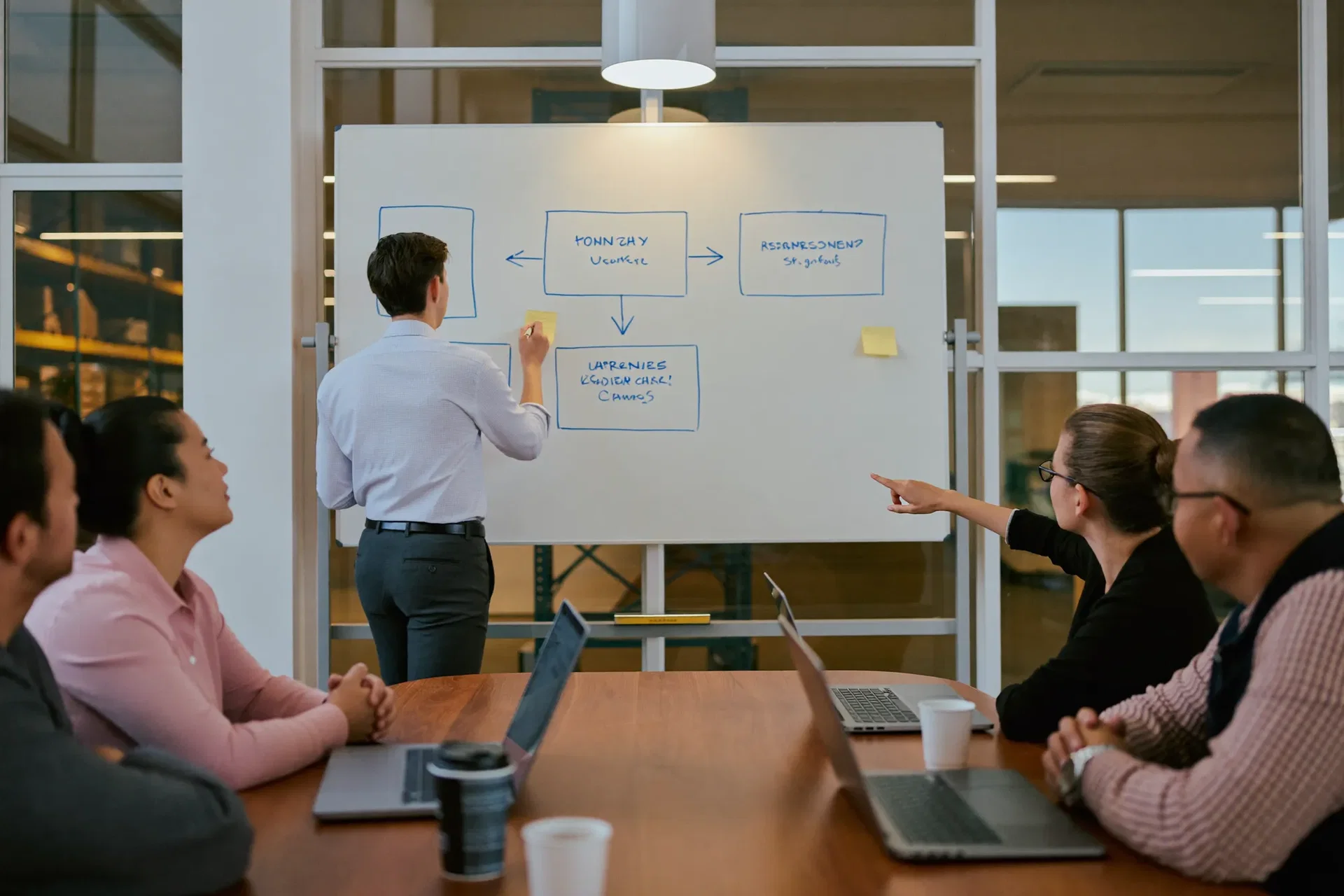


Manufacturing ERP Software That Connects the Whole Floor
Index World implements manufacturing ERP for discrete, process and engineer-to-order manufacturers: BoMs, work centers, routings, MRP and Shop Floor, wired straight into inventory and the month-end close.
Money back if we don’t deliver as agreed.How it works: Delivery Guarantee terms
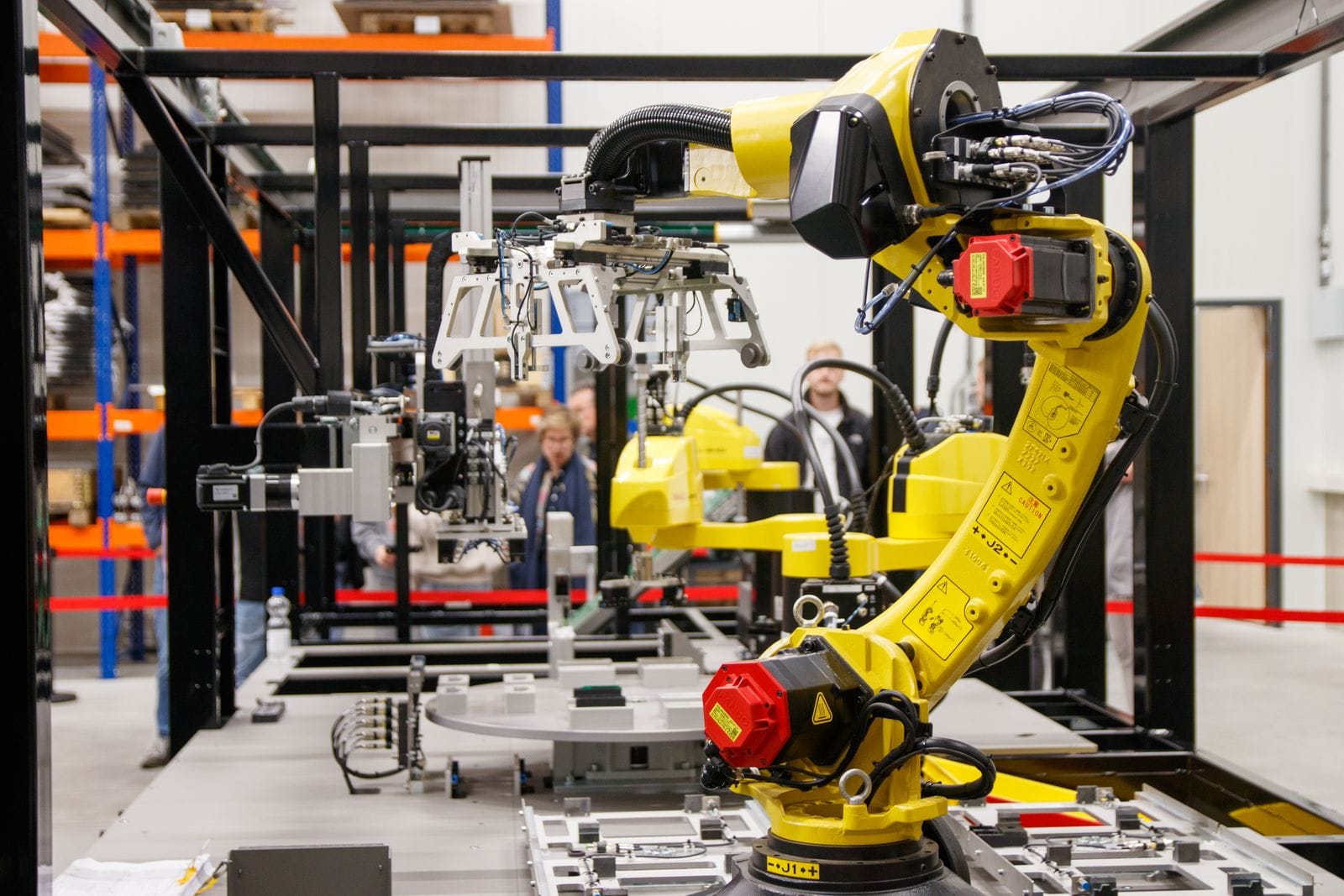

Built for How Manufacturers Actually Run
Six stages, one connected system, from the pallet arriving at goods-in to the margin landing on the P&L.
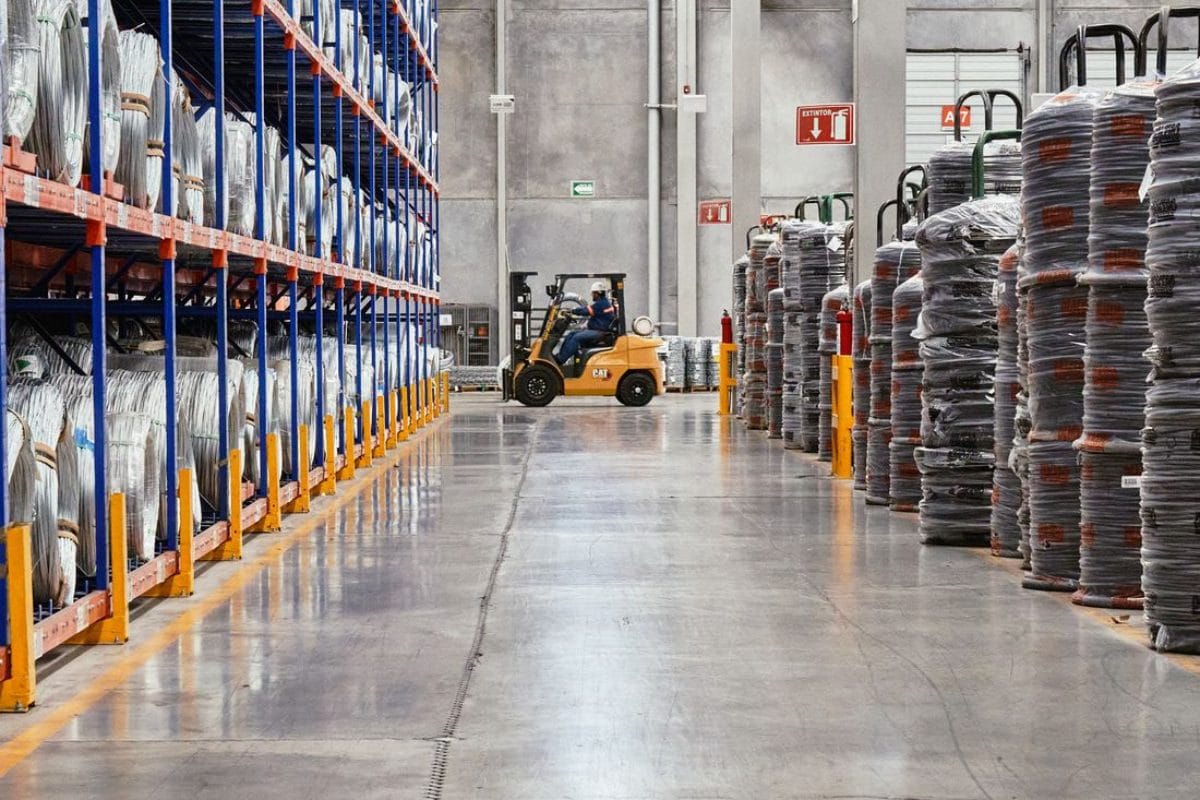
Materials & Procurement
The BOM for works order 1184 calls 400 brackets, so steel is reordered on real consumption and scanned to its bin before the first cut.
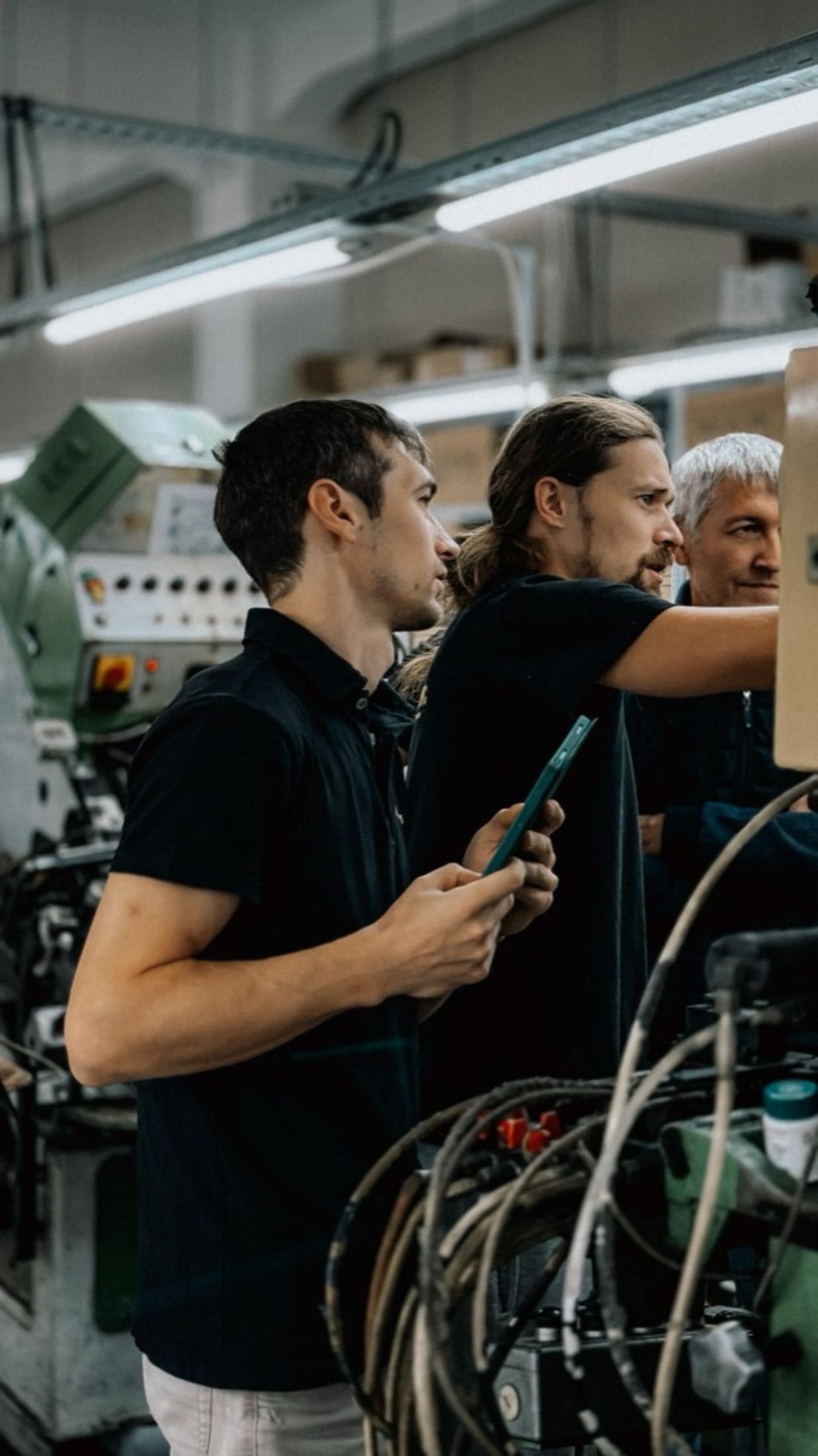
Planning & Work Orders
The signed sales order raises works order 1184 on its own, and MRP schedules each operation against real work centre capacity.
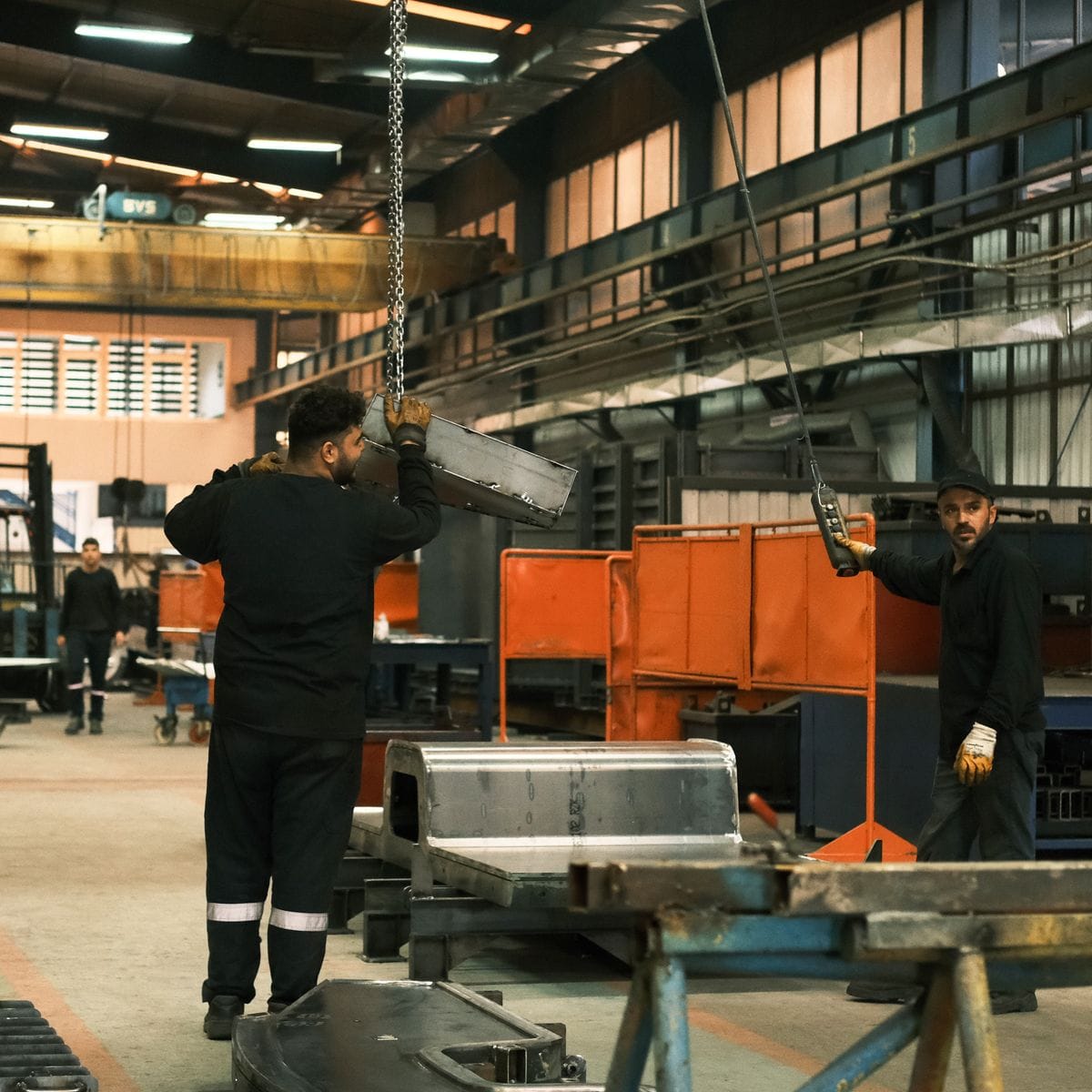
Work Centers & Shop Floor
The press brake operator opens works order 1184 on the kiosk at the machine and closes it there, so progress is live.
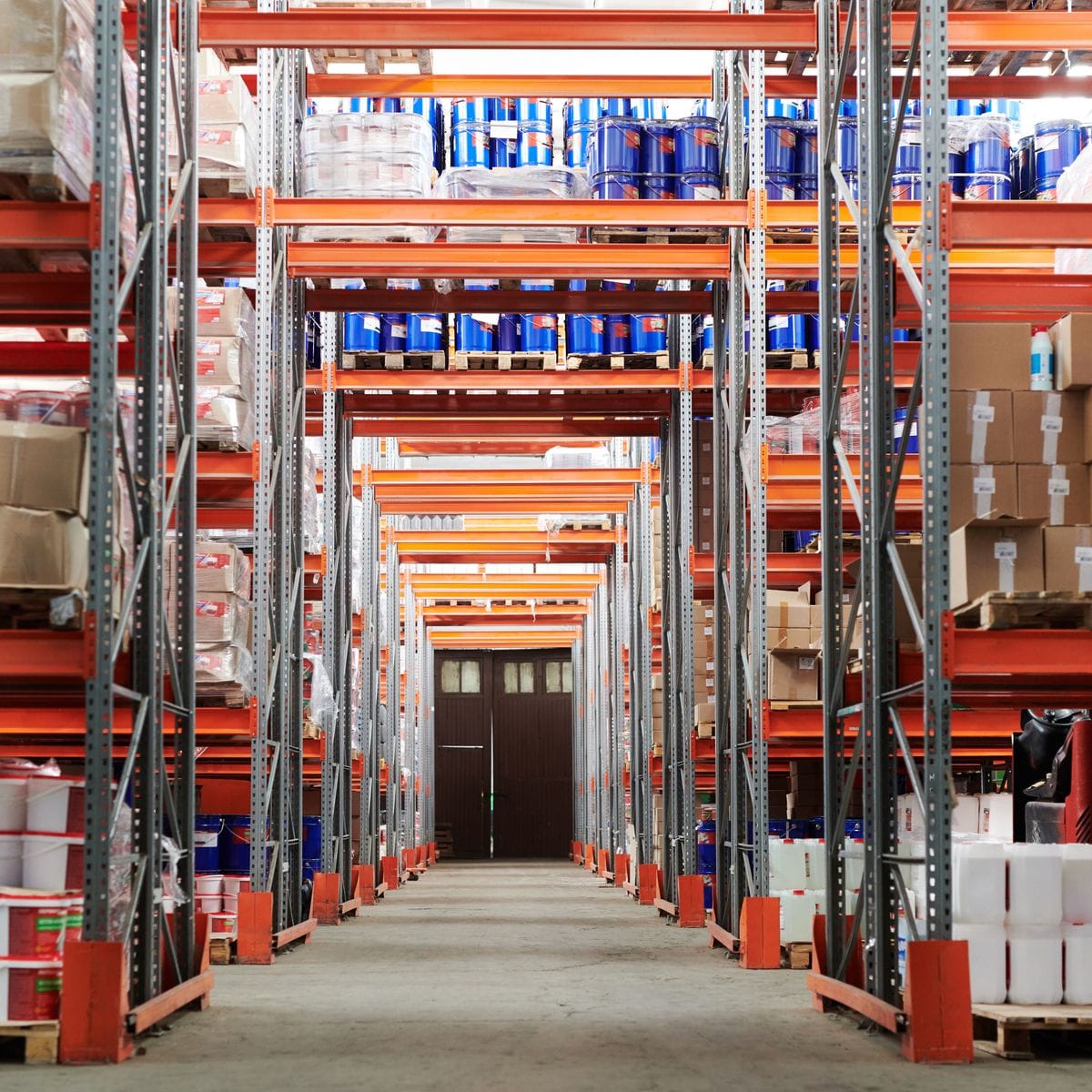
Warehouses & Inventory
Finished brackets are scanned to a bin the moment 1184 closes, and raw, WIP and finished stock are valued apart.
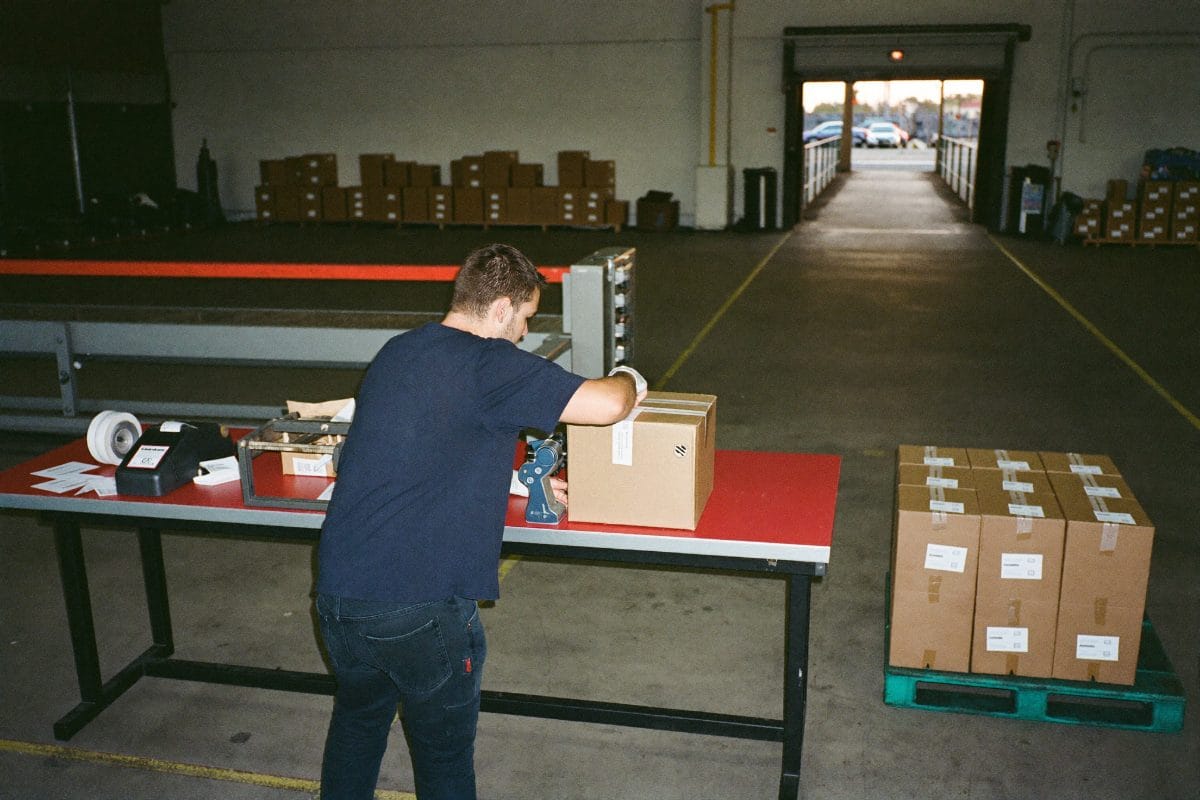
Pick, Pack & Ship
The customer order pulls those brackets by barcode, so the packing list, the truck and the invoice all carry the same lines.
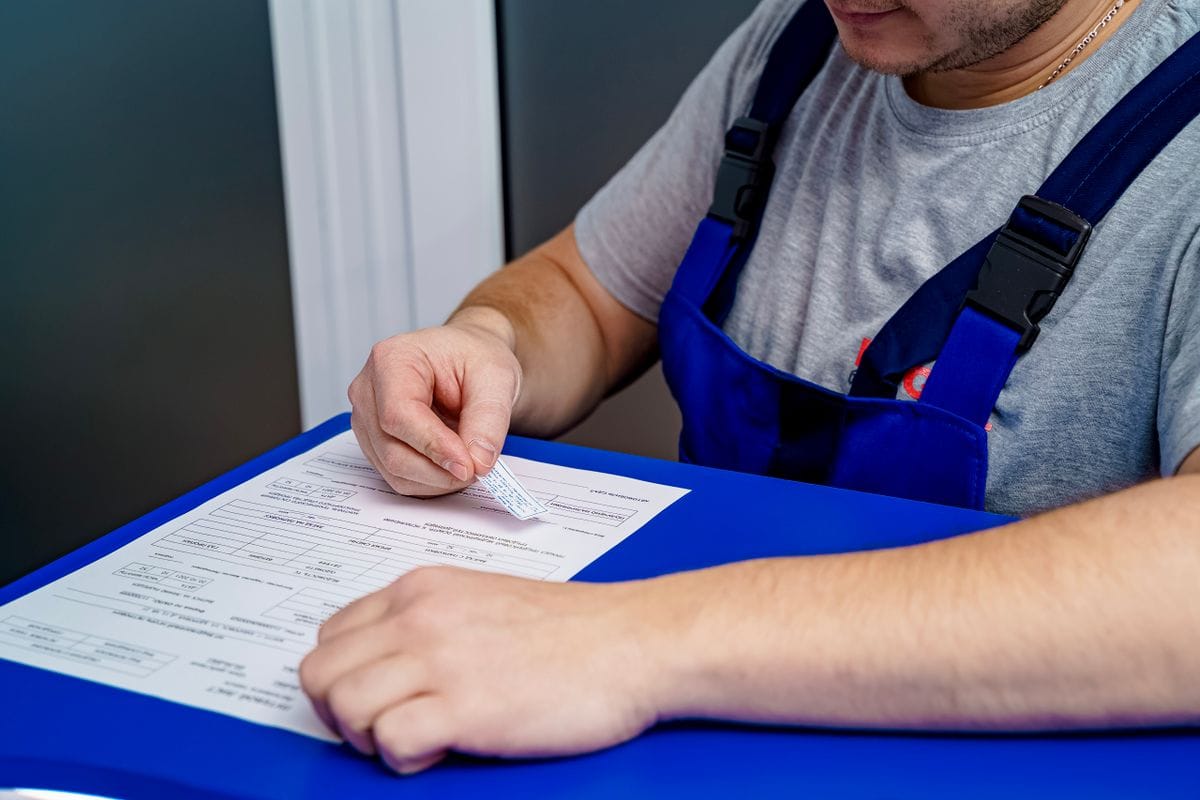
Costing & Month-End
At close, 1184 shows what the job actually consumed in material, labour and overhead, so the variance is a number you can act on.
What Is Manufacturing ERP?
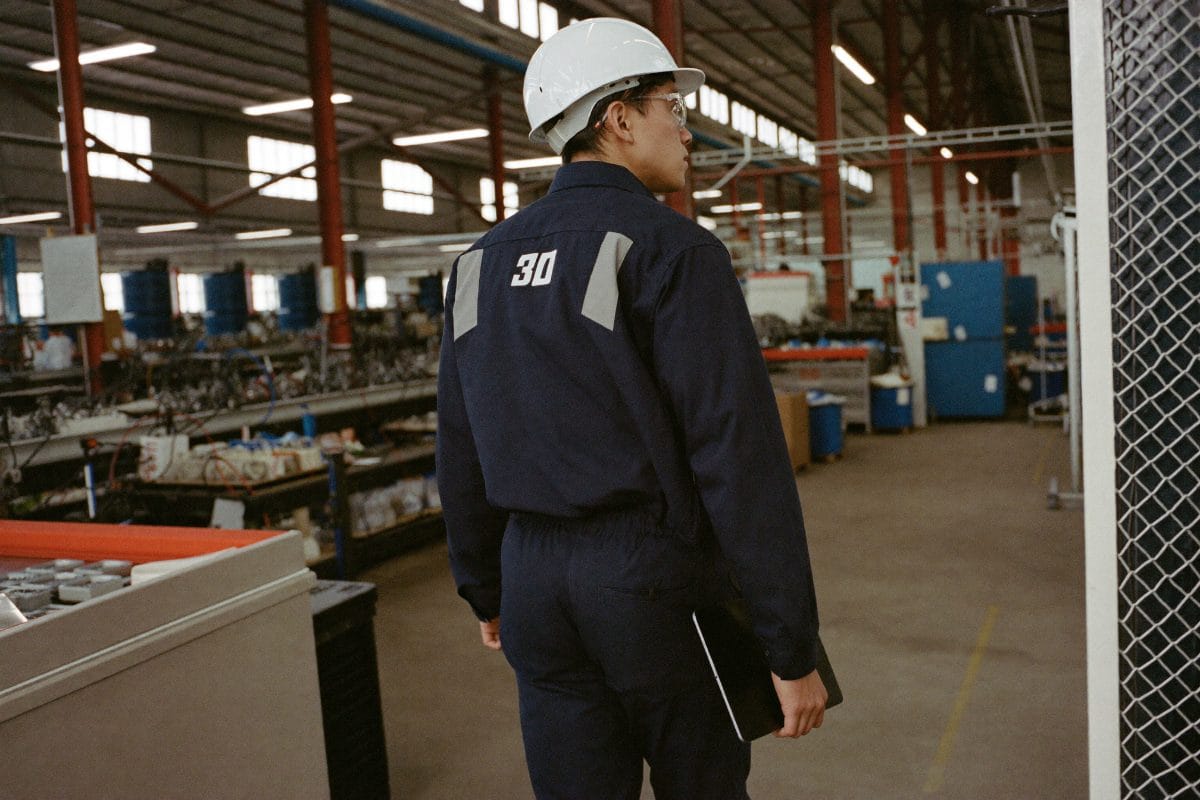
Manufacturing ERP is one system holding the bill of materials, the work order, the stock behind it and the cost that comes out, with procurement, planning, the shop floor, warehousing and the books on the same record. Manufacturers call us when the floor and the office have stopped speaking to each other.
As an Official Odoo Partner, an official Sage partner and an Elite QuickBooks ProAdvisor, we have solved that in packaging, automotive parts, furniture, food production and industrial equipment, across discrete, process, make-to-order and engineer-to-order models. We rebuild bills of materials out of spreadsheets into multi-level BoMs, configure MRP so a confirmed sales order raises its own manufacturing order, and put the Shop Floor kiosk on tablets, as in our work with Skutchi Designs.
We fix the floor and the books together, and then we stay: our longest-running manufacturing engagement has logged over 260 pieces of work, years past go-live, which is why our ERP implementation process does not end there. The same work runs on Sage, Oracle NetSuite and Microsoft Dynamics when your model belongs there.
Industry Challenges We Solve
Disconnected production processes
Every handoff is a place for work to disappear. Sales confirms a job, someone retypes it, purchasing hears last, and jobs get built to the wrong spec.
Inventory nobody believes
Accuracy collapses when raw materials, work in progress and finished goods share one number. Quarter-end swings then break finance’s trust in the balance sheet.
Production delays and bottlenecks
Bottlenecks form when planning ignores real capacity: a component never ordered, a work order queued behind a committed work center.
No visibility on the shop floor
When production is reported on paper, supervisors walk the floor to find out what is running and the office learns yesterday’s numbers tomorrow.
Warehouse coordination that breaks down
Without bin-level locations, pickers hunt the racks, deliveries fail validation at the dock, and what you bill stops matching what you shipped.
Planning by guesswork
Promise dates get made on instinct, committed revenue is unknown, and procurement is sized on hope instead of demand.
What Manufacturing ERP Includes

One System, Five Reasons to Care
What a manufacturing ERP implementation changes depends entirely on where you sit. Pick the seat that is yours.
You stop chasing jobs: a confirmed sale raises its own manufacturing order, so nothing rides on someone remembering. ERP implementation process
You can promise a date and keep it: capacity-aware MRP plans against what your work centers actually deliver. Talk to our team
Parts are found first time: bin locations and barcode picking end the hunt through the racks, as they did for this distributor’s warehouse. Read our case studies
Deliveries stop failing at the dock: a structured pick, pack and ship flow with paperwork generated from the order itself. Talk to our team
Dead stock surfaces early: slow movers get flagged while there is still time to sell them. Wholesale and distribution ERP
You get your month back: reconciliation that used to eat weeks runs as a routine you finish in days, with ongoing bookkeeping support if you want it. Bookkeeping services
The stock number stops being an argument: raw materials, WIP and finished goods each carry their own valuation account and their own defensible figure. Talk to our team
One live picture: production, orders, stock and cash on a single screen that updates as the work happens. Reporting and Power BI
Training built for the job, not the software: role-specific walkthroughs and recorded training your team can rewatch. Odoo training services
We are still here at month six: ongoing reconciliation, adjustments and close support, long after go-live. Odoo support
Keep the Machines You Already Run
We connect what the shop already depends on rather than replacing it. Integration work is inside the same fixed monthly fee, not a change request.
CAD and product data
SolidWorks, AutoCAD, PLM exports
Bills of material get retyped from drawings, so the BOM in production stops matching the revision.
The current BOM and routing attach to the works order, and a revision updates in one place.
Shop floor and barcode
Tablets, scanners, label printers
Operators record time and quantity on paper, then somebody keys yesterday into the system tomorrow.
Time, quantity and scrap are captured at the work centre as the job runs.
Accounting
QuickBooks, Xero
Job costs live in production while the ledger sees a monthly summary nobody can trace back.
Material, labour and overhead post to the job, so job margin is known while it is still open.
Customer EDI and portals
EDI 850 and 856, supplier portals
Purchase orders arrive as PDFs and get typed in, and advance ship notices are built by hand.
Orders load straight into the schedule and shipping documents generate from the actual pack.
Shipping and carriers
UPS, FedEx, freight brokers
Labels are bought on a carrier portal and tracking is pasted back into orders later, if at all.
Labels print from the shipment, tracking reaches the customer, and freight cost lands on the job.
Quality and maintenance
Gauges, calibration records, CMMS
Inspection results and machine downtime sit in separate logs that planning never sees.
Checks are recorded against the operation, and downtime reaches the schedule before it costs a delivery.
Using something not listed here? If it has a way to connect, we can almost certainly join it to your system. Tell us what you run →
Five Systems Today. One Shop Floor After.
This is the swap manufacturers actually make. Not another tool sitting beside the spreadsheet, but one system carrying a part from quote through works order to the shipped job.
What the shop runs today
- Quotes priced from last year cost sheet and a feel for the hours
- Works orders printed on Monday, out of date by Tuesday
- Stock counted twice, once in the system and once on the shelf
- Operators writing times on a card for somebody to type up later
- Job cost worked out after the job shipped, if anyone has time
What it becomes on one system
- Quotes built from the current BOM, routing and real machine rates
- A live schedule the floor can see, updated as jobs move
- One stock figure, committed to real works orders
- Time and quantity captured at the work centre as the work happens
- Job cost visible while the job is still open
Nobody switches overnight, and you should not either. We move one workflow at a time, prove it, then move the next. See how a phased ERP migration runs.
How It Works, Your Path to Go-Live
The same path we have walked with manufacturer after manufacturer, and not one of them stopped the line to do it.
Discovery & process audit
We map how work actually moves: routings, work centers, warehouse layout, costing method and the workarounds nobody wrote down.
Solution design
We blueprint the future state on staging first: BoM structure, work centers, bin locations, valuation method and the automation rules.
Build & configure
We import products, BoMs, quantities and opening balances. Messy BoM data is where timelines slip, so we clean it first.
Train & go live
Production, purchasing, sales and accounting each get a documented workflow and role-specific training, so day one is a relief.
Optimize & grow
We stay on, sharpening costing, extending dashboards, and adding barcode, maintenance and quality as volume grows.
Got questions? We’ve got answers.
How long does a manufacturing ERP implementation take?
Most manufacturers go live on core production, inventory and finance in 8 to 12 weeks. A full manufacturing rollout, including complete BoM migration, historical stock valuation, barcode and maintenance, typically runs three to six months. The variable is rarely the software. It is how clean your BoM data is, and how quickly your team can make configuration decisions.
What does a manufacturing ERP implementation cost?
Cost is driven by scope, not by licence. The number of users, how many modules you deploy, how much data needs cleaning, and how far you sit from a standard configuration all move the figure. Licensing is separate and recurring. We scope every manufacturing project before we quote, because a fixed price built on guesswork helps nobody.
Can operators use tablets on the shop floor, or does everything go through the office?
Operators work at the machine. We configure the Shop Floor kiosk on tablets at each work center, so they start, pause and close work orders in real time, with barcode scanning for component consumption. Quality checks, scrap and maintenance requests are raised on the same screen, which is why the office finally sees production as it happens.
Do you handle discrete and process manufacturing, and do you stay after go-live?
Both, plus make-to-order, make-to-stock and engineer-to-order production models. And yes, we stay. Our longest-running manufacturing client has logged over 260 pieces of work with us, years past go-live, and we still handle their reconciliation and month-end today. You can see the same pattern across our client case studies.
What is an ERP system in manufacturing?
A manufacturing ERP system is one database running orders, inventory, production and accounts together, so a works order, the stock it consumes and the invoice that follows are the same record. Instead of a quoting spreadsheet, a separate stock sheet and an accounts package that disagree, the shop floor and the office read the same numbers.
What is the best ERP system for manufacturing?
There is no single best system, only the best fit for how you make things. Discrete manufacturers building to order need routings, work centres and material planning. Process manufacturers need formulations, batches and yield. Odoo covers both, which is why it is our most common answer here, but the honest test is whether the system matches your production model before anyone discusses licences. Sage, Oracle NetSuite and Microsoft Dynamics are on the table when they fit better.
How does ERP work in manufacturing?
A works order is raised from a confirmed sales order or a forecast. The system reserves the components, schedules operations against work centres, collects time and quantity as operators complete each step, then posts the finished goods and the true cost back automatically.